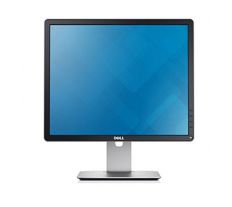
Dell Dual Monitor Arm - MDA20
Video

Photo(s)
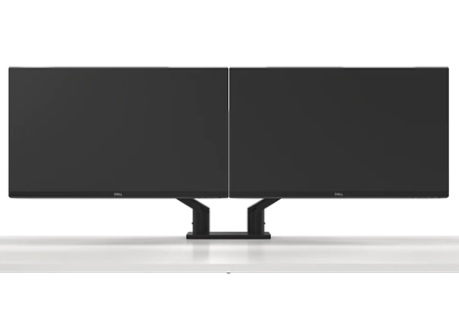
Detailed information
Simple installation
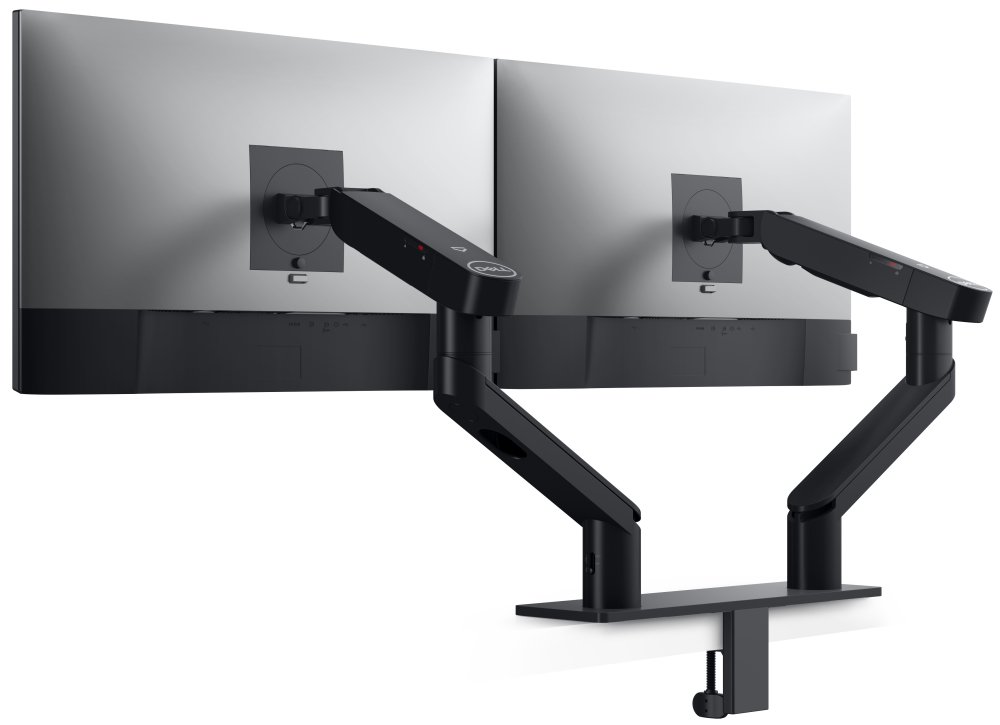
Quickly install this Dell Dual Monitor Arm – MDA20 for a comprehensive monitor and system mounting solution. Dell Quick Release lets you snap on the Dell UltraSharp and P-Series monitors onto the arm easily without tools, and select OptiPlex Micro, Ultra and Wyse systems can be installed as well for an all-in-one solution.
Quick Release convenience
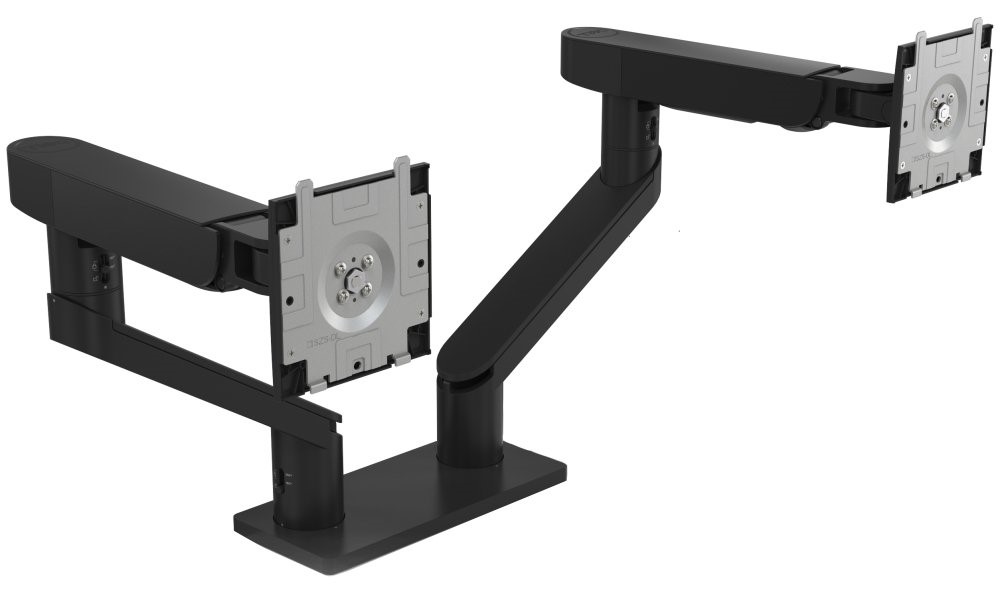
Virtually tool-free installation makes deploying the Dell Dual Monitor Arm simple, while the counterbalance indicator on the side lets you replicate identical tension settings across multiple units rapidly. You can install other monitors with optional VESA mount adapter plates for complete versatility with select PC systems.
Tidy, uncluttered desk
Ample space in the cable management slot with cable clips keep up to 10 wires in place, offering a clean desk experience. This monitor arm also has an Allen key that is conveniently tucked underneath the arm cover so that you will not lose it.
Small footprint
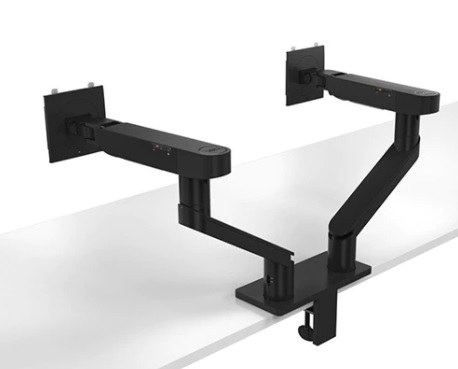
The Dell Dual Monitor Arm helps you optimize your desk space on a small footprint. The C-clamp is ideal for desk edges, while the grommet mount only needs a 2-inch hole to support monitors up to 27 inches in size.
Optimizes productivity
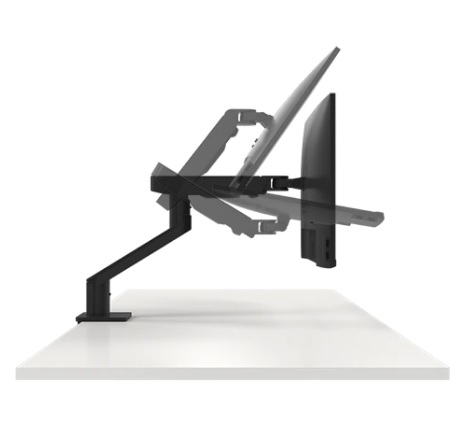
Designed to optimize your viewing distance for everyday productivity, the Dell Dual Monitor Arm is built to minimize wasted space behind the arms so that you get plenty of usable area. It comes with the World’s first swivel switch that allows you to change the swivel angle without having to remove any part of the monitor arm.iSimply adjust the swivel angle on the arm to 180 or 360 degrees conveniently with a flip of the switch.
Plenty of flexibility
Height, tilt, pivot, depth and swivel adjustments make it easy to move the monitors individually on this dual monitor arm precisely to your preferred monitor setup.
Tech Specs
Product description: Dell Dual Monitor Arm – MDA20
Panel mount: Dell Quick Release mounting
VESA Compliant Monitor: 100 mm x 100 mm
VESA Adapter Plate sets included
Individual weight range per arm: 2.2 to 10.0kg
Individual monitor screen size per arm: 19" to 27" (monitor mounting only). For PC and monitor mounting, please refer to the compatibility matrix.
Individual monitor tilt: -35° to +80°
Individual monitor swivel: Switchable 180° and 360° at base and joint. 180° at monitor
Individual monitor pivot: -/+ 90°
Individual monitor height range: 10,5" (266mm)
Individual monitor depth range: 21.6” (548mm)
Cable management: Cable management slot on the upper and lower arms
Installation Type: Clamp up to 2.1” (53mm) desk thickness and Grommet hole up to 2” (50.8mm) diameter
Client Mounting: Select OptiPlex Micro & Ultra and Wyse Thin Clients
Color: Black
Compatibility
19 to 27-inch monitors weighing between 2.2 to 10.0kg
What’s in the box
Dell Dual Monitor Arm - MDA20
Dell VESA adapter plate
Allen key
Documentation
to download in PDF format User's guide
to download in PDF format